ED Unified
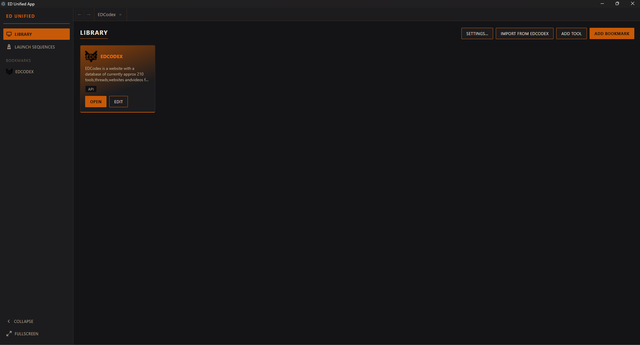
A desktop app for Windows and Linux that unifies browsing, bookmarking, installing, and launching Elite: Dangerous third-party tools -- so you never need to leave it for your regular web browser.
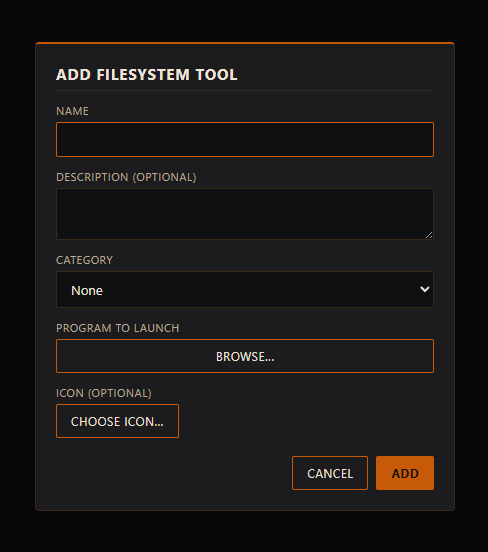
Browse and bookmark EDCodex tools, launch filesystem programs, chain everything (game + companion apps) into one launch sequence, and theme every embedded site with an Elite Dangerous-inspired HUD look, all from a single app.
Features
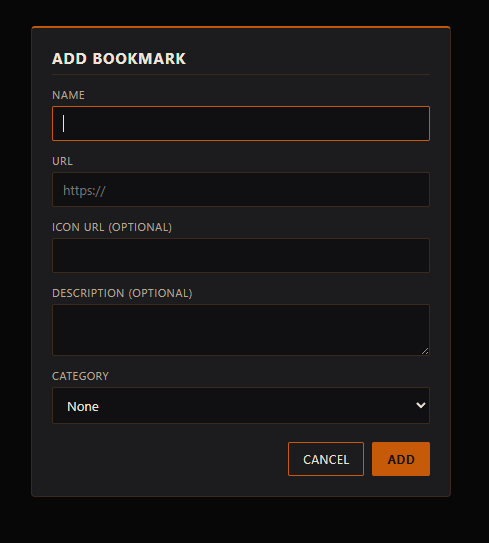
- Unified library -- bookmarks and filesystem tools live side by side in one grid, drag-and-drop to reorder, organized by category with type and category filters. EDCodex and ED Tools come pre-bookmarked.
- In-app browsing -- embedded sites open as tabs inside the app (with back/forward navigation), never in your OS browser. Open a blank tab with the "+" button and browse anywhere from its URL bar; blank tabs use your library background as their default page.
- Find in page -- Ctrl+F opens a find bar on any website tab, with match counts and previous/next navigation.
- Download manager -- downloads from embedded sites are tracked in a Downloads panel with progress, speed, ETA, and destination folder, plus an optional "Launch when done" that runs the file (e.g. an installer) as soon as it finishes.
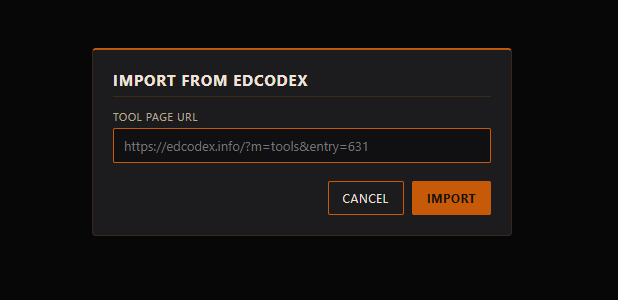
- One-click EDCodex import -- paste an EDCodex tool URL, or click "Add to ED Unified" directly on an EDCodex tool page while browsing it inside the app, and the name, description, categories, and icon all come across automatically. Works for web apps (imported as bookmarks) and Windows tools (imported as filesystem tools via the EDCodex API, with a guided download-and-link flow).
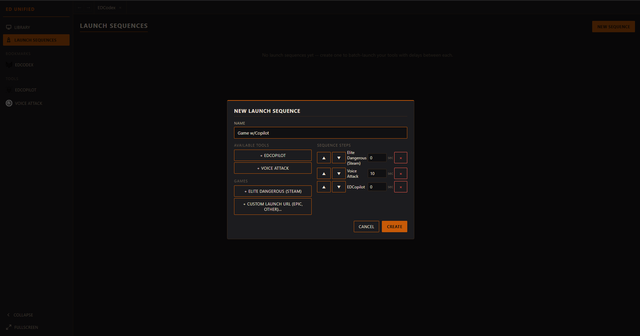
- Launch sequences -- chain a game launch (Steam/Epic/direct) with companion tools and custom delays, then generate a launch script (.bat on Windows, .sh on Linux) or run it straight from the app.
- Auto dark theming -- per-site brightness/contrast/sepia controls with a smart auto-invert for bright pages, plus legacy one-click presets.
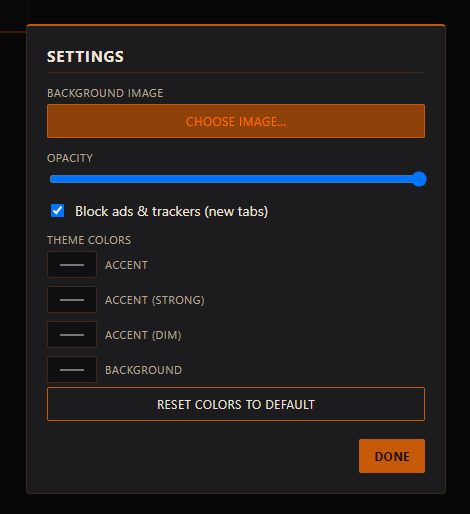
- Custom library background -- set your own background image with adjustable opacity behind the library grid.
- Game overlay -- pin any tab as a floating always-on-top window (with opacity control) over Elite in borderless-windowed mode.
- Game-aware automation -- optionally auto-close companion tools when the game exits, trigger pages from in-game chat commands (!inara Sol), and set each new ED screenshot as the library background.
- Tool update badges -- tools imported from EDCodex get an update badge when a newer version is listed.
- Backup & restore -- export/import your entire library and settings as one JSON file.
- Local webhook API -- drive the app from VoiceAttack or scripts over localhost (see below).
- Built-in ad/tracker blocking for embedded tabs.
- Fully customizable theme colors and a collapsible sidebar.
- Fullscreen/borderless mode for a clean, distraction-free layout.